A connected creative workspace · in development

Protect your creative momentum.

Prismathic brings everything for your project into one connected workspace — notes, tasks, references, ideas and the work itself — from first spark to final output.

The prototype works · the application is being built
Project · Dark Night of the Soul
oil on canvas · large scale

Dark Night of the Soul

WIP National Gallery portrait competition · entry deliver by fri 14 aug
All project PPursue RRecord IInspect SSynthesize MManifest
Resume session

Welcome back — last session Thursday, in Manifest. You finished the final details on the face. Next: varnish the surface.

Continue →
Tasks5 of 8
Varnish the surface
Frame — dark oak, no glass
Hang and photograph for entry
Add final details — face, hands
Block in the figure
Mix the palette — earth + blue-black
Prime and tone the canvas
Gather reference — lighting studies
Notes12
Artist statement — draft 3note
Chiaroscuro refs — Caravaggio, Rinehartidea
Decision: warm ground under the blackslog
Session log — glazing testsdaily
Connected31 items
Canvas — composition studies5 cards
Reference board — lighting14 imgs
Process photos — stages 1–69 imgs
Entry requirements checklisttask
Note to future selfVarnish needs 24 hours — don't frame before Sunday.

A real project, shown in the project dashboard design. The workspace runs today in the working prototype; Resume Session and breadcrumbs are in design — the full status is below.

01 — The problem

Creative work isn't slowed by one big problem. It's slowed by hundreds of tiny interruptions.

Every time you switch apps, hunt for a file or try to remember where you saved something, you pay a small cognitive tax. Part of your mind stays attached to the last context while you rebuild the next one. The cost isn't the seconds — it's the focus.

Add it up across a project and the result is familiar: broken focus, lost energy, stalled momentum — and a beginning that feels heavier than continuing.

01

Everything for one project lives in different places — references in one app, notes in another, tasks in a third, the work itself somewhere else.

02

Ideas, tasks and references can't meaningfully connect to each other, so nothing compounds and nothing points at the work.

03

Returning after a day or a week means reconstructing what was happening — the system asks you to manage tools instead of make the work.

02 — The answer

One project. Everything connected.

Your ideas, notes, tasks, references, mood boards, media and decisions each keep their own place — while still belonging to the same project. Collections hold the material; the project connects it. Open the project and see the work as a whole.

Prismathic · prototype — running today
Prismathic
Home
Capture
Daily notes12
Ideas26
Quotes14
Knowledge
Fleeting notes18
Literature notes9
Permanent notes21
Maps of content4
Work
Projects6
Tasks23
Create
Episodes3
Scripts2
Canvases5
Storyboards2

Everything in here

One archive · every collection · all of it linkable to a project
12
Daily notes
26
Ideas
6
Projects
23
Tasks
21
Permanent notes
4
Maps of content
3
Episodes
5
Canvases
2
Storyboards
31
Books
12
Podcasts
24
Films
17
Tutorials
8
Workflows
11
People
7
Places

Redrawn from the working prototype — a single application that already runs. Not yet a public release.

03 — The proof moment

Return to the work, not the search.

Come back after a day or a month and Prismathic restores the last meaningful context: what you were doing, what you decided, what comes next. No AI required — it's built from your own activity and your own words.

And before you leave, a quiet prompt: what should future you remember? One sentence now saves twenty minutes of reconstruction later.

Resume Session and breadcrumbs are in design for the standalone application — shown here as the working concept.

Reopening · Dark Night of the Soul
Resume session

Welcome back — you were in Manifest, finishing the final details. Next: varnish the surface.

Continue →
You wroteVarnish needs 24 hours — don't frame before Sunday.
Last decisionWarm ground under the blacks — the cold version deadened the face.

04 — The method, when you want it

Five creative modes. One connected project.

PRISM — Pursue, Record, Inspect, Synthesize, Manifest. Five optional lenses over a project, not a filing system and not homework. Selecting a mode doesn't move anything; it changes what the workspace foregrounds. Creative work loops — the modes loop with it. Don't want a methodology? Stay in All Project view.

P
Pursue
Set direction and follow the spark — vision, brief, influences, the big questions.
R
Record
Capture source material — clips, photographs, voice notes, sketches, quotations, field notes.
I
Inspect
Question and understand — connected notes, comparisons, annotations, gaps and task breakdowns.
S
Synthesize
Connect fragments into a direction — mood boards, outlines, compositions, Kanban, decisions, plans.
M
Manifest
Turn direction into finished work — active tasks, working files, stages, exports, the final piece.

One source. Many colours.

A prism doesn't add anything to light — it reveals what was already there. Painting, filmmaking, writing and research aren't separate careers. They're one practice, refracted.

05 — Already running

Less friction between attention and action.

These screens are redrawn from the working prototype — populated with work from the studio, because that's what it was built for.

Synthesize · Canvas

Think spatially. Link anything.

A freeform canvas where notes, images and fragments sit side by side — drag a thread from one card to another and the relationship is kept. Studies next to stills next to the sentence that started it all.

Also in the prototype: Kanban boards, storyboards you draw on, 16:9 frame tools, mood boards.

Canvas · composition studies
+ Text card+ Image card drag the ● onto another card to link · ctrl-scroll to zoom
note×
The torch is the source. One beam in — the whole spectrum out.
image×
Watercolour study
image×
Cold Feet — oil painting
image×
Installation view
Record · Workflows

The library remembers how.

Every hard-won technique gets a home — tagged by software, searchable, next to the project that needed it. The next time you need that camera-projection trick, it's one click away instead of three evenings of forum archaeology.

Books, films, podcasts with timestamped notes, tutorials and workflows share one shelf.

Workflows

8 items · database view
TitleSoftwareTags
Camera projection onto rough geoNkNuke#matte-painting2d ago
Sculpt → retopo → clean quadsBlBlender#modelling3d ago
Log grade for mixed footageRzDaVinci Resolve#edit5d ago
Kitbash pass for the wreck siteBlBlender#environment1w ago
Real-time previz blockoutUeUnreal Engine#previz2w ago

06 — Control and trust

Your work. Your choices.

Prismathic is designed to be useful with everything switched off. The connected workspace, the modes, the memory — none of it depends on the cloud or a model.

Local first

Your archive lives on your machine

Projects and notes stay on your device in durable, portable formats — export everything, any time. Your life's work shouldn't live at someone else's mercy.

Cloud when you choose

Sync is a service, not a hostage

Private, encrypted sync across devices is planned as an optional subscription. Turn it off and the application keeps working, with your files intact.

AI when you ask

Assistance, not authorship

Planned AI is scoped and explicit — you see what context is sent before it's sent, and nothing runs in the background. It helps you inspect the material. It doesn't decide what the work means.

07 — Origin

Built from the friction of real multidisciplinary work.

Years across VFX, animation and a painting practice meant references in PureRef, notes in OneNote and Obsidian, tasks in Todoist, planning somewhere else — and the actual making inside the specialist tools. Each app worked. The project itself was fragmented.

Prismathic is the attempt to give the project one connected home. It began as a set of systems inside Obsidian, proved itself in daily use, and is now being built as standalone software.

RHA Gold Medal 2015 · BA & MFA, NCAD Dublin
Senior 3D — Scanline VFX · Brown Bag Films · Giant Animation

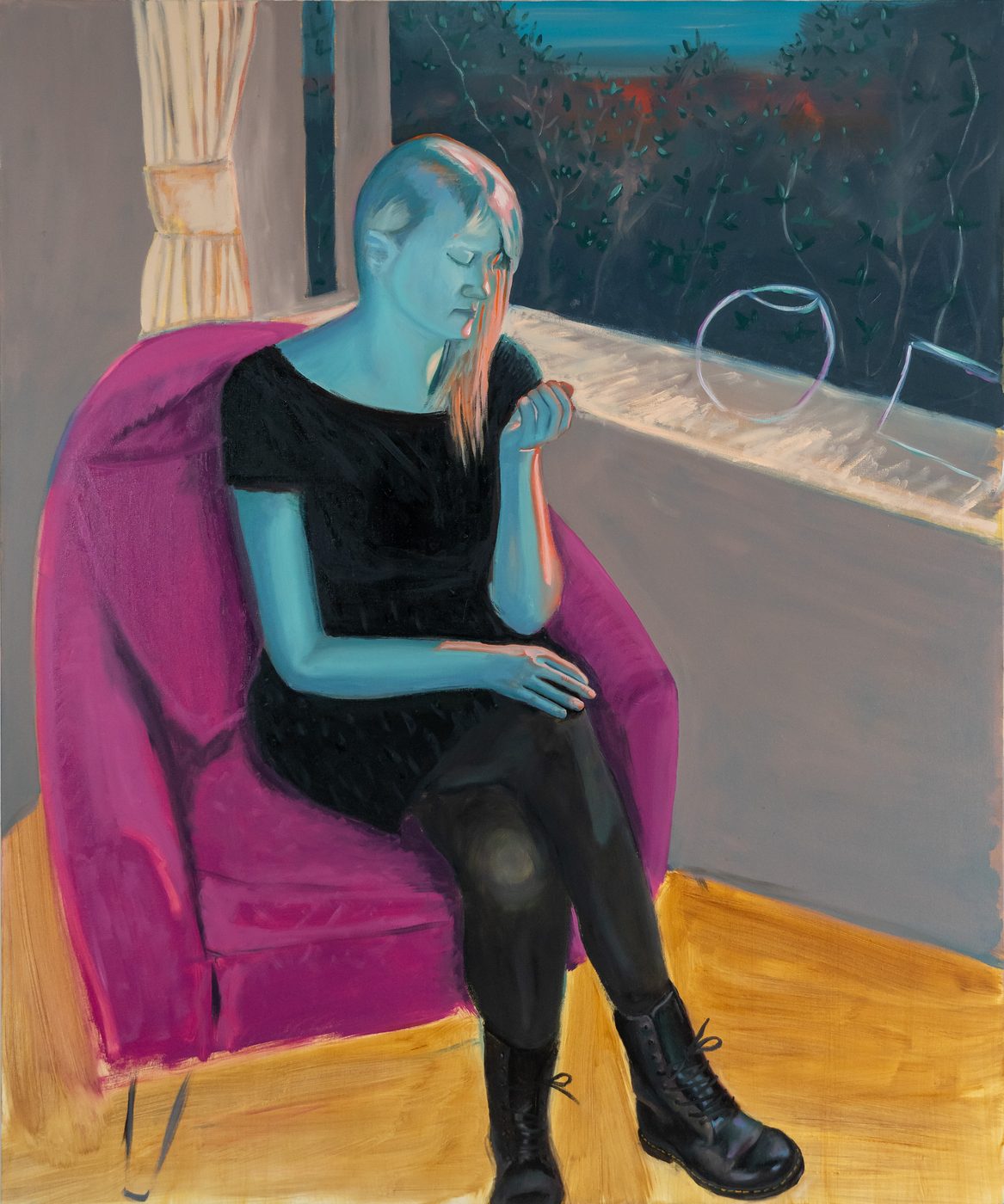
Oil painting by Darragh Dempsey — seated figure in a magenta armchair
Still from the studio

08 — Documented

The build is being filmed.

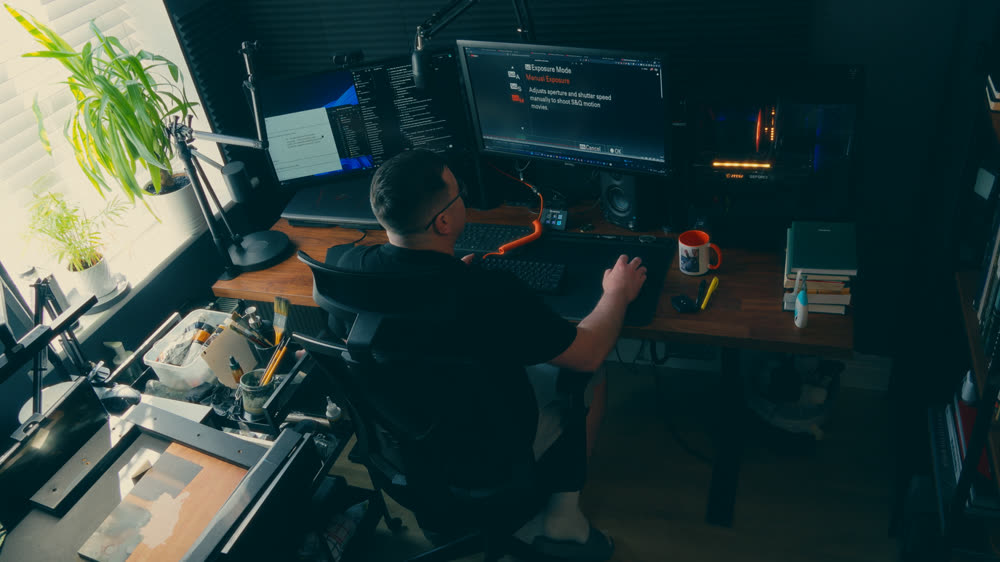
A documentary series following the process of making paintings, films and creative tools — including this one. The craft leads; the software carries it. Not a launch campaign — a record of the work.

The Polymath Journey ↗

09 — Where it actually is

What works today. What's being built.

No launch theatre. The left column runs in the prototype right now. The right column is designed and in progress — honest about which is which.

● Working today

Running in the prototype.

  • Projects, tasks with scheduled and due dates, episodes, scripts, shot planning
  • Daily notes, ideas, quotes, dreams and memories
  • Fleeting → literature → permanent notes, maps of content
  • Canvas with linked cards, storyboards you draw on, mood boards
  • Books, podcasts with timestamped notes, films, YouTube, tutorials, workflows
  • Knowledge graph, backlinks and [[wiki-links]]
  • Calendar view and calendar export
  • Configurable statuses and properties, JSON import and export

10 — The model, when it ships

Create for free. Own the workspace once.
Subscribe only for connected services.

The planned shape: the application is yours — bought once, working forever, files always yours. A subscription exists only for things that cost something to run: sync, hosted AI, an evolving service around an app you already own.

Apprentice
Create for free.
€0
Free forever. No card, no trial clock.
A real tool, not a crippled demo.
  • Local projects, notes, tasks and references
  • Canvas and mood boards
  • PRISM project view
  • Up to three active projects
  • Export everything — your files stay yours
Master
Own the full local workspace.
99
Founding rate · one-time · a perpetual licence.
Not a subscription. Never locks you out.
  • Everything in Apprentice
  • Unlimited projects and full project dashboards
  • Advanced canvas, workflows and templates
  • Media libraries and knowledge graph
  • Calendar integration and export
  • Resume Session and breadcrumbs as they ship
  • A year of updates included — then keep your version forever
Polymath
Connected services, when you want them.
9 / month
Optional · cancel any time.
The app keeps working without it.
  • Everything in Master
  • Private encrypted sync and backup, when it lands
  • Version history across devices
  • Hosted AI allowance — scoped, on your terms. Bring your own key instead, any time
  • Studio access — courses and behind-the-scenes from a working practice
  • Early features and a say in the roadmap

Prismathic is in development — nothing is on sale yet.
These are the planned founding rates for when the software is ready. No countdown, no fake scarcity.
Subscribe to Polymath for 12 months and the Master licence is yours to keep — nobody rents Prismathic forever.